Products, in bulk when you need to
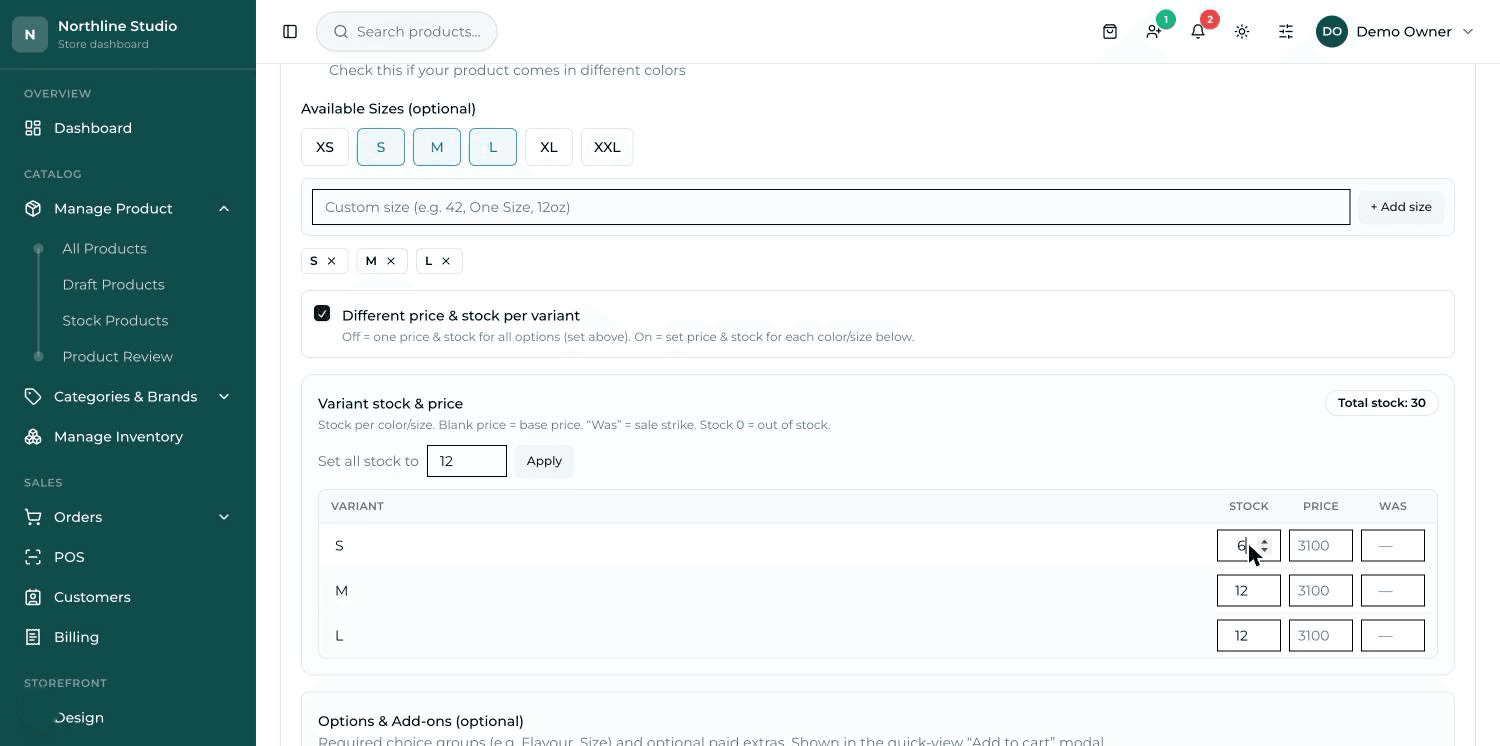
Add a product with photos, categories, brands and tags. If you already have a catalogue somewhere else, bring it in from a spreadsheet — and take yours back out the same way.
Stock that keeps itself
Stock comes down with every sale, online or at the counter. Set the level for each product where you want to be warned, and low stock shows on the first screen.
Orders from start to finish
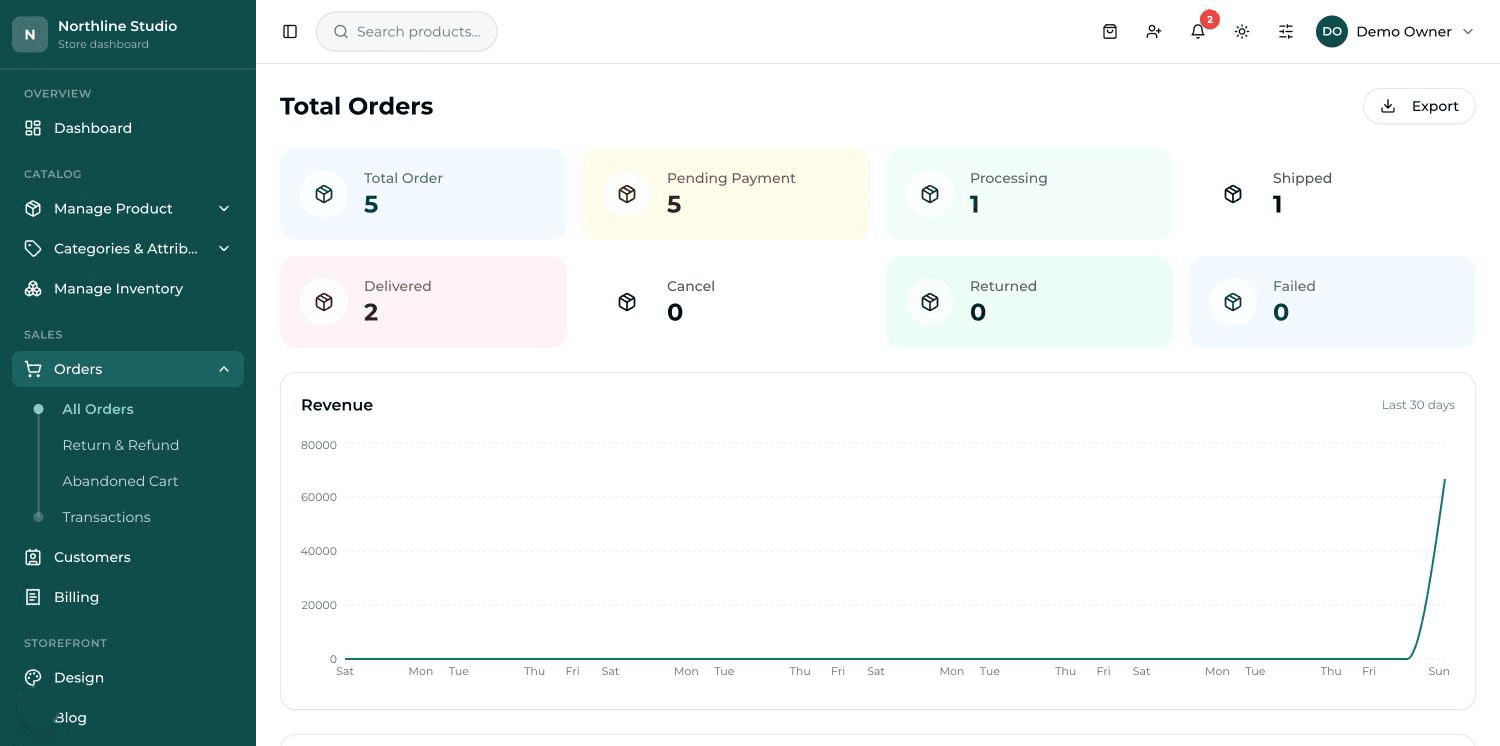
Every order in one list. Move it through its stages, add the courier and tracking number, and the customer gets an email each time it changes.
Returns and refunds
A customer can ask for a return from their order page. You approve or refuse it, and an approved return puts the money and the stock back where they belong.
Print what the job needs
An invoice and a packing slip print straight from the order, and the packing slip carries no prices. Barcode labels print by the sheet or on a label roll.
Know how the shop is doing
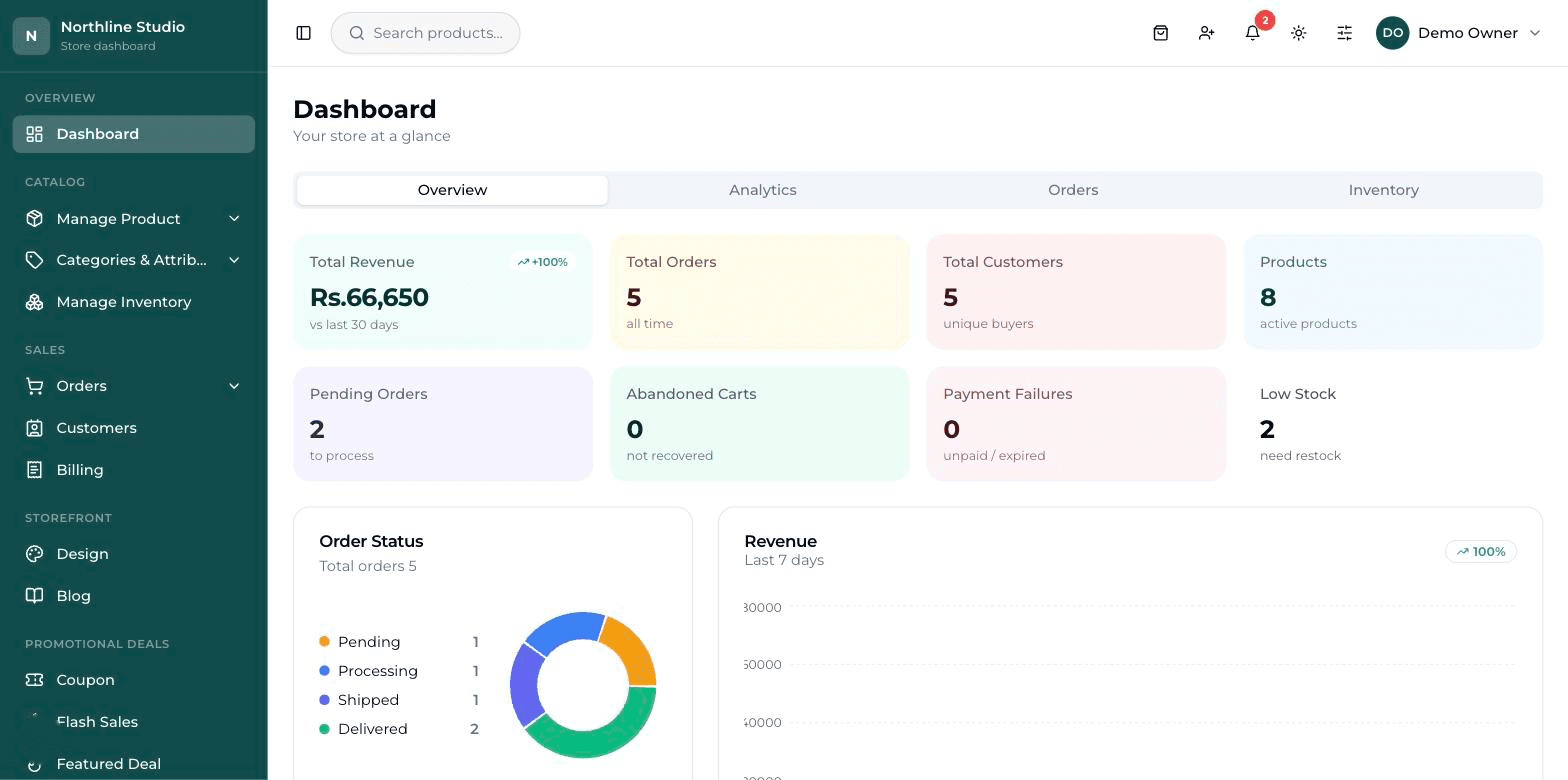
Sales, best sellers and stock value on the dashboard, with reports for a day, a week or any range you pick.
What it looks like
The rest of it
- Selling at the counterA till for the shop floor, on the same products and the same stock as the website.
- Staying in controlWho can do what — and what happens when someone gets it wrong.
- Growing the businessYour own address, found on search, and paid for properly.
- Your shop, your lookThe site your customers see — set up for your trade, then changed from the dashboard.
- Getting people to buyRun a promotion yourself, on the day you decide to run it.
Ready to put your shop online?
Start with a conversation. No obligation, and we will tell you straight if this is not the right fit for your business.