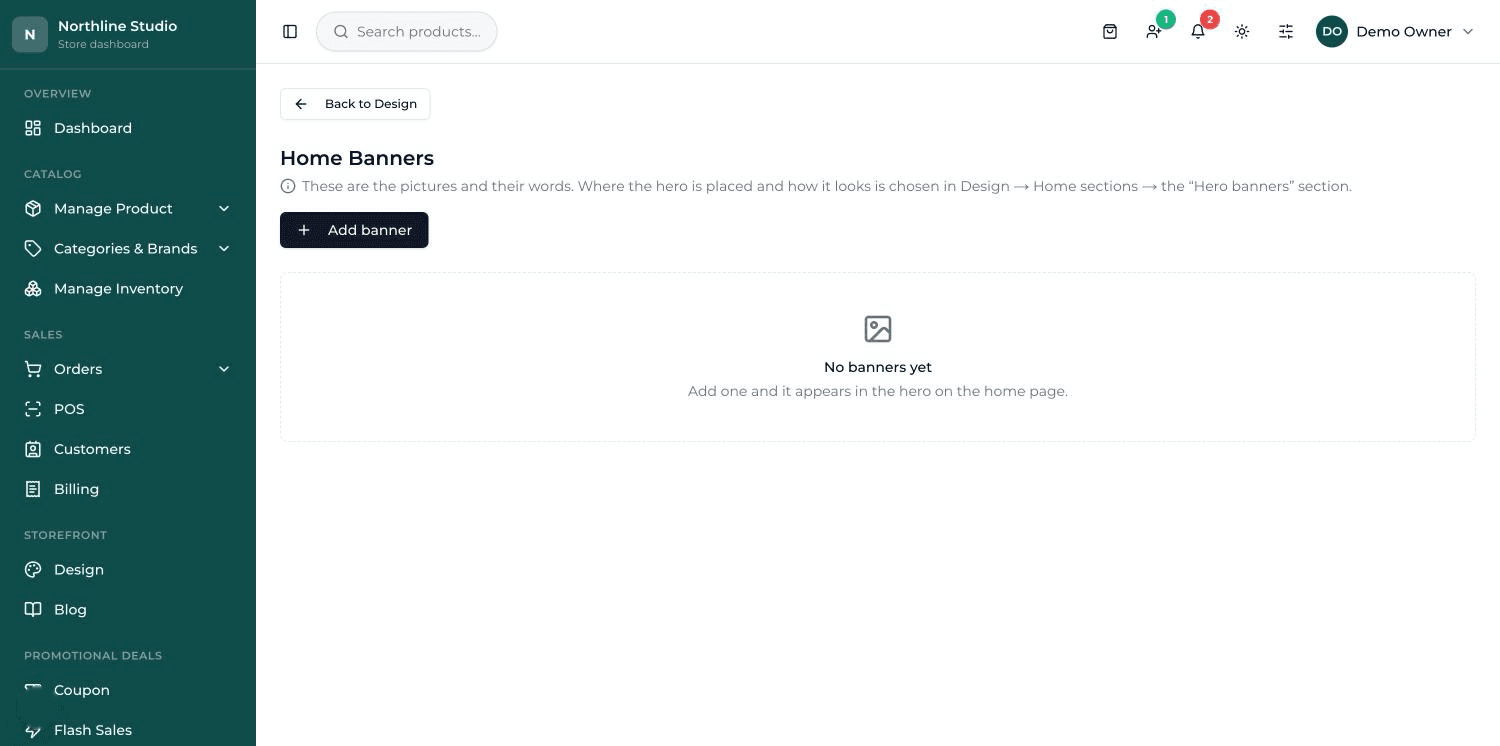
Discount codes
Make a code for a fixed amount or a percentage, with an expiry and a limit on how many times it can be used. The discount is recalculated on the server, so it cannot be tampered with at checkout.
Sales that start and stop on their own
Set a price cut with a start and end time and it switches itself on and off. Buy-one-get-one deals work the same way, and the offer shows on the product, in the cart and at checkout.
A message when someone arrives
Show a popup for a sale, a holiday notice or a new arrival. It is off unless you turn it on, and a visitor only sees it once.
Reminders for the carts that were left
When someone fills a cart and does not finish, it appears in a list with what they were buying. Send them a reminder email in one click.
Nudges on the page
Show "only 3 left" when stock is low, a delivery estimate, and the small trust badges that reassure a first-time buyer.
Gift wrapping
Offer wrapping as a paid option at checkout. The fee is added to the order and shown to you with it, so nobody has to remember.
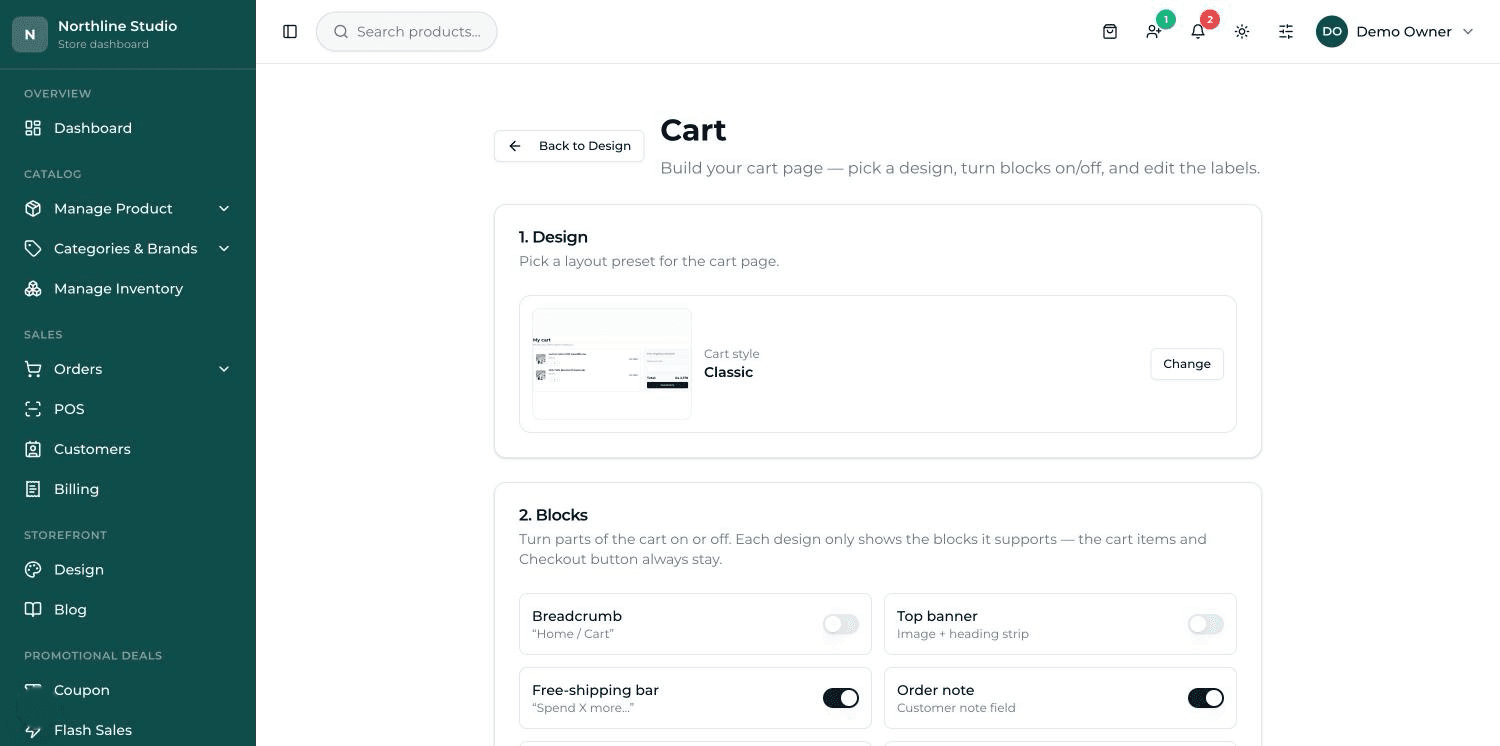
What it looks like
The rest of it
- Running the shopEverything you touch on a normal working day, in one place.
- Selling at the counterA till for the shop floor, on the same products and the same stock as the website.
- Staying in controlWho can do what — and what happens when someone gets it wrong.
- Growing the businessYour own address, found on search, and paid for properly.
- Your shop, your lookThe site your customers see — set up for your trade, then changed from the dashboard.
Ready to put your shop online?
Start with a conversation. No obligation, and we will tell you straight if this is not the right fit for your business.